Shaders for Roblox · Chrome, Edge, Brave, Opera
Roblox, butcinematic.
shaders adds real light, color and depth to every Roblox map. Pick a mode, set the brightness, play.

shaders
Shaders off
Mode
- Bloom
- Atmosphere
- Depth
- Focus
Map
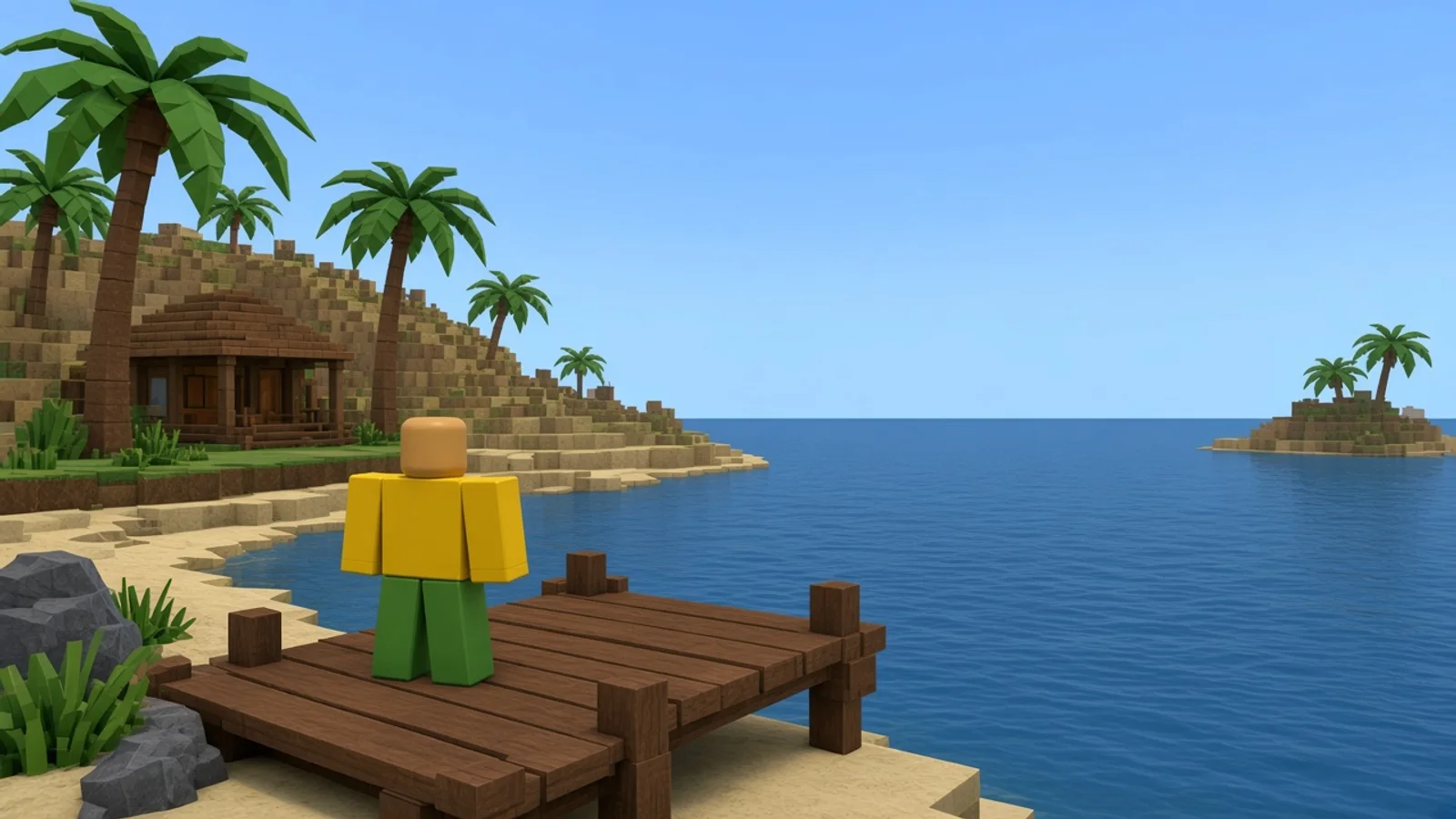
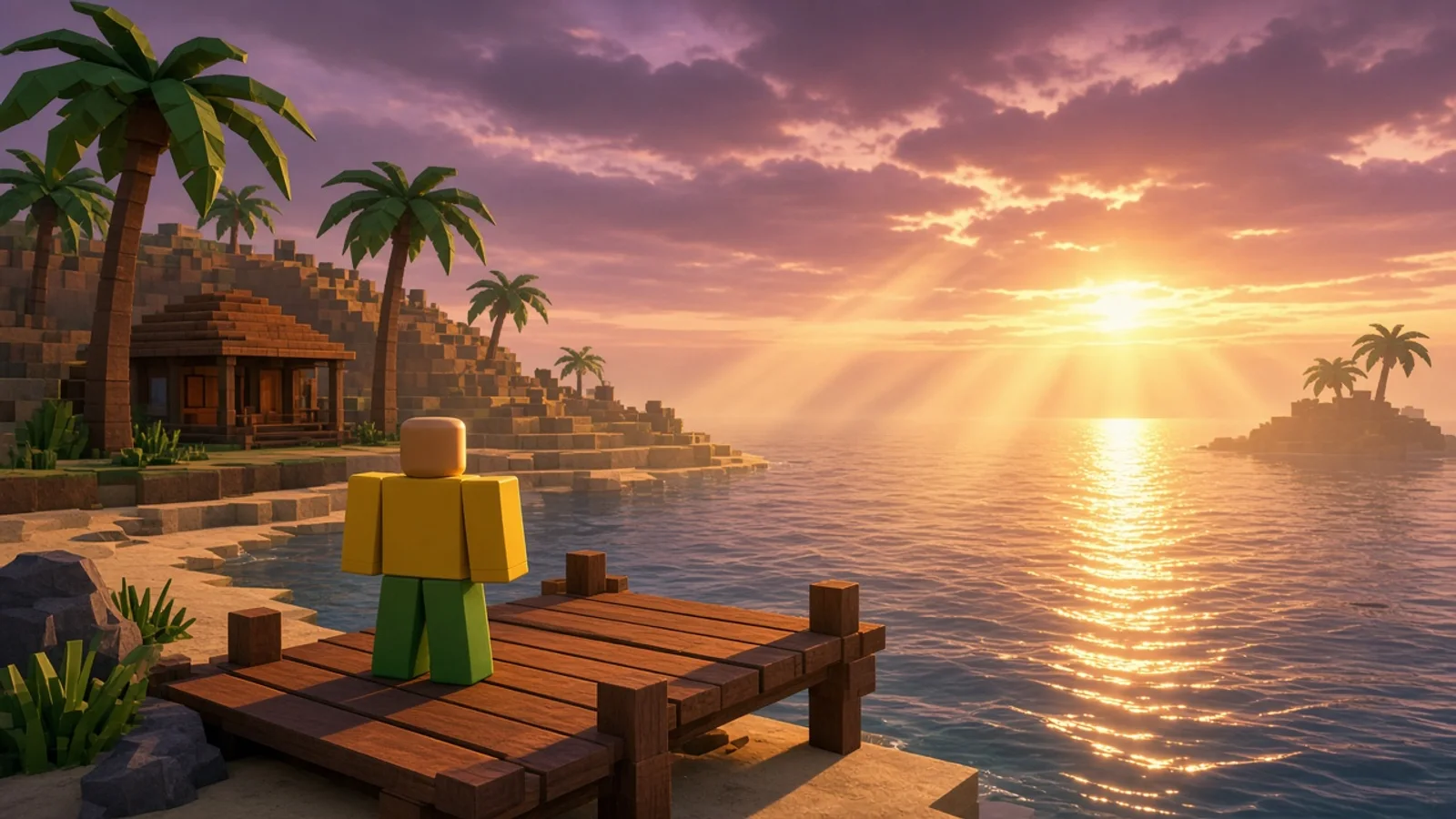
Before and after
Same map. Same second.
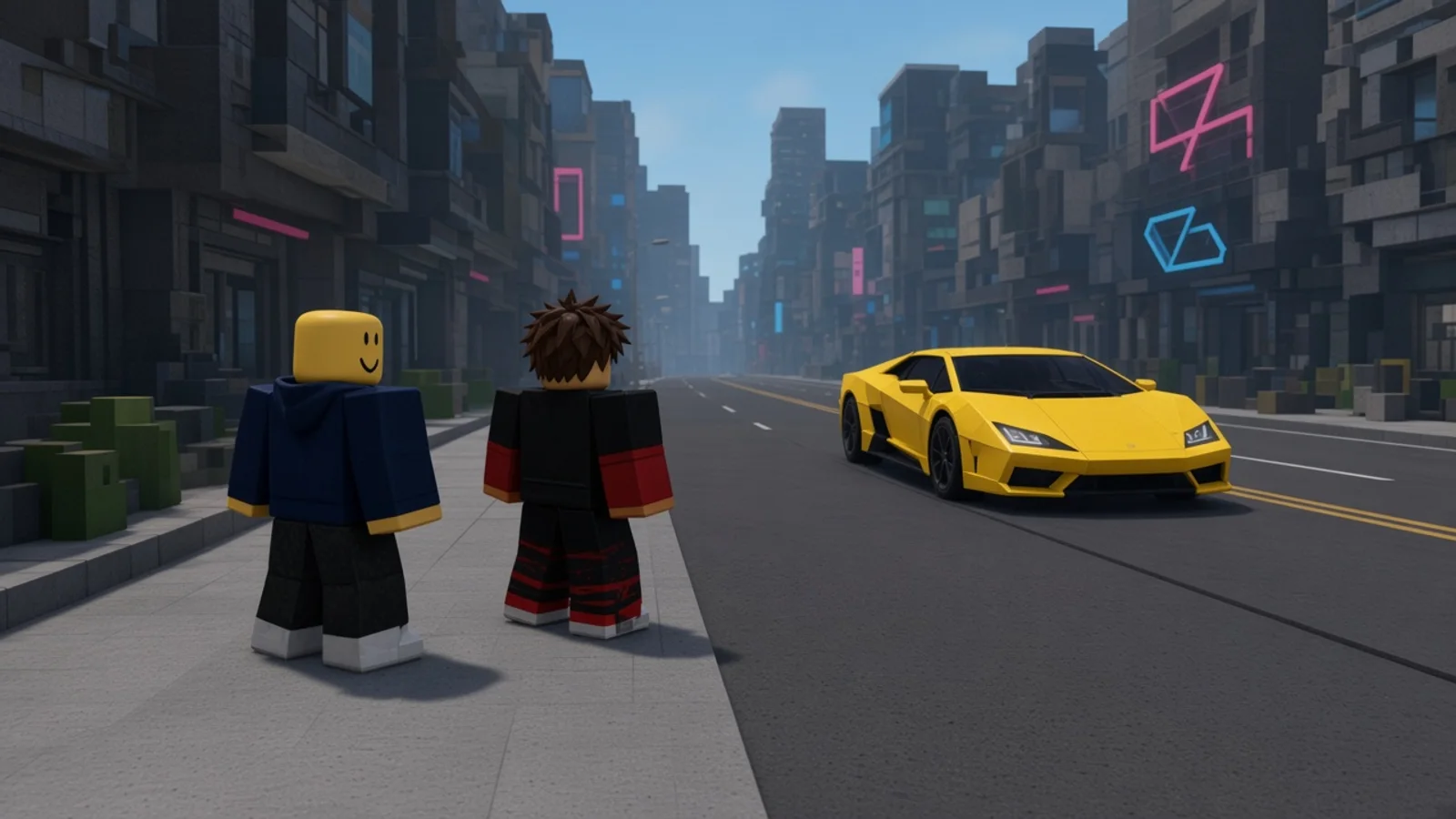
Drag the line. On the left is Roblox as it ships. On the right is the exact same frame with shaders turned on.
Modes
Four moods. One click.
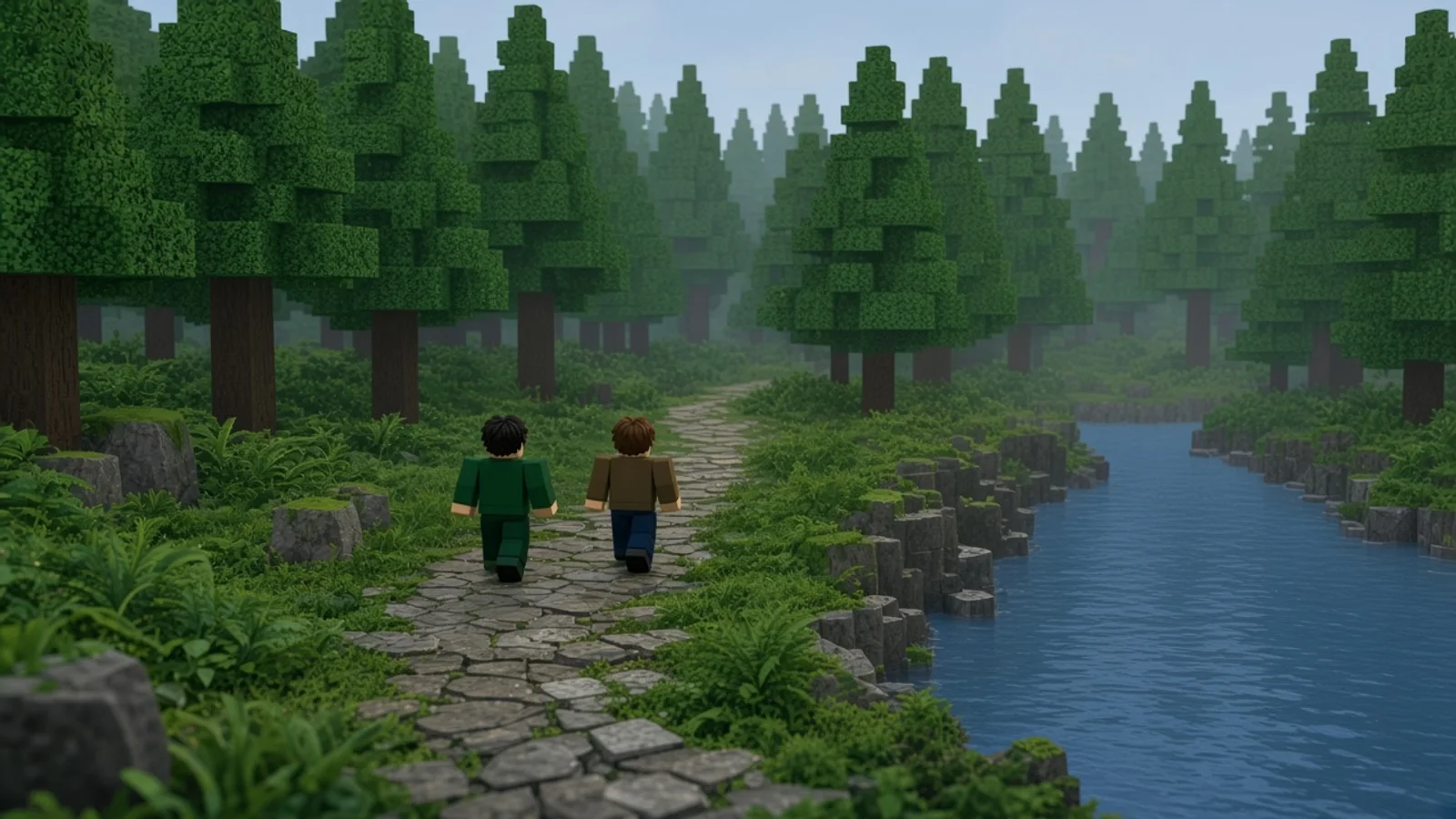
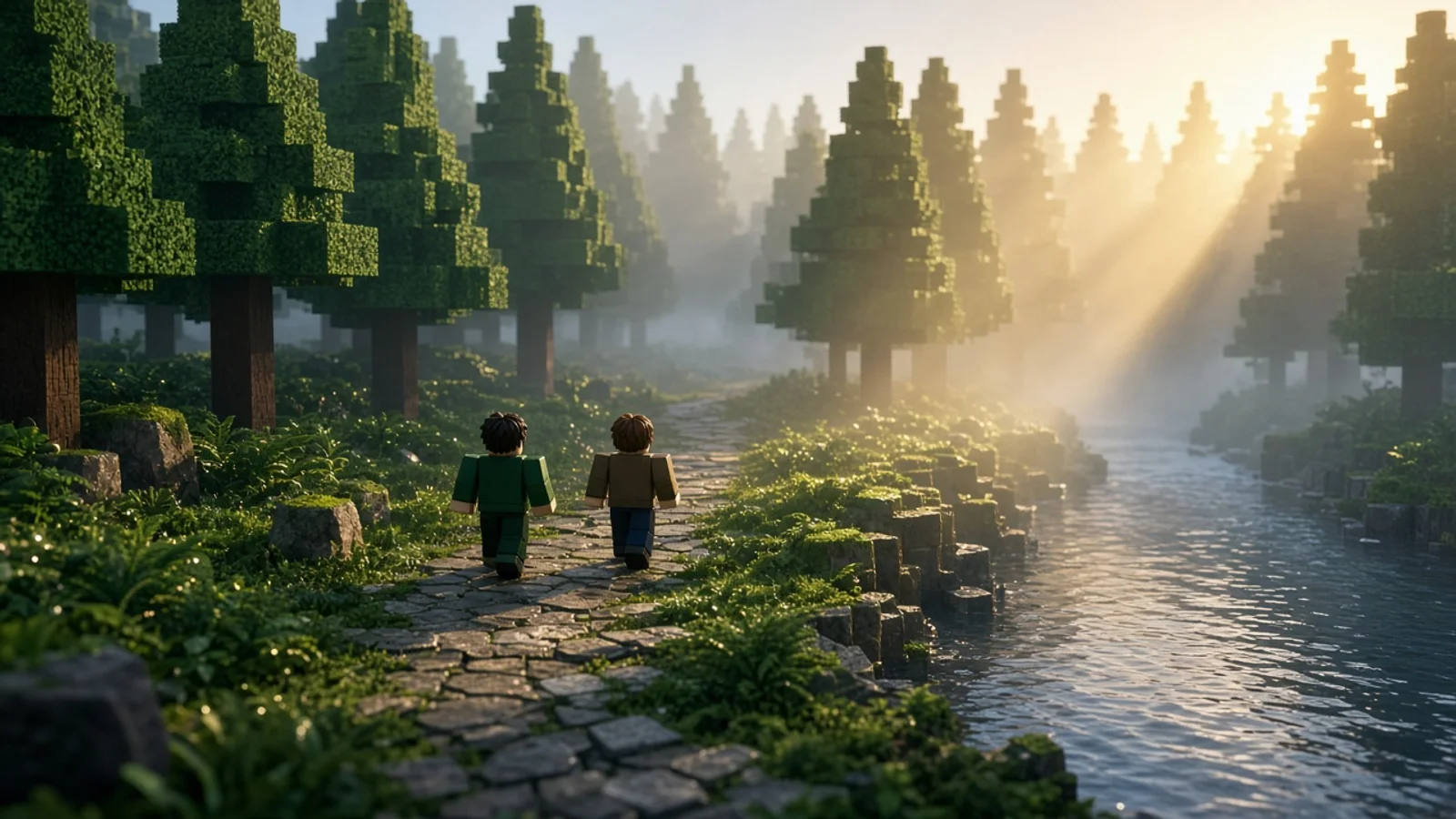
Every mode in the popup relights the map you are playing. Hover a mode to see it.
 01
01Sun
Warm light through the trees and long soft shadows.
- 02
Sunset
Low orange sun, glowing water and a pink sky.
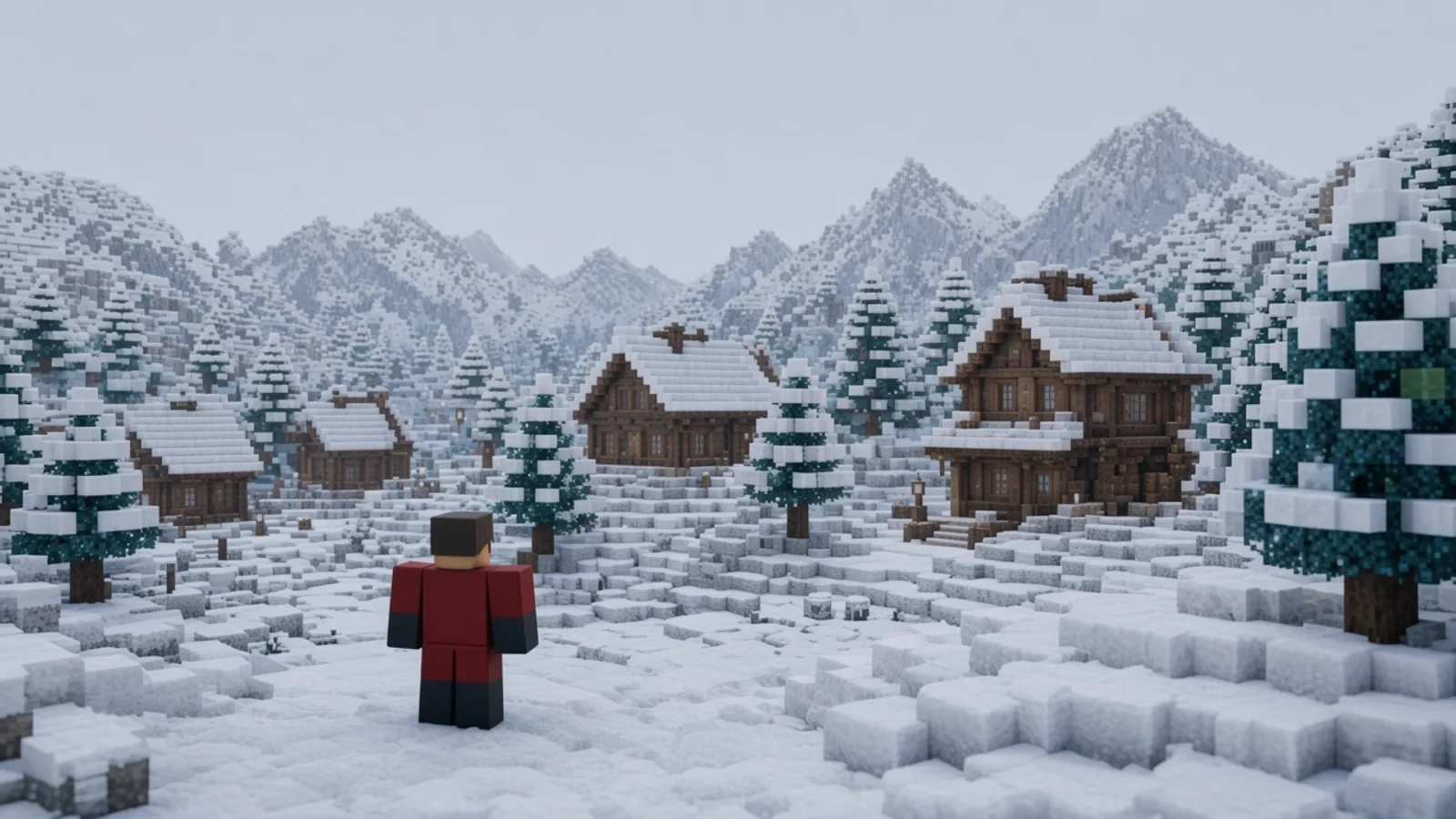
 03
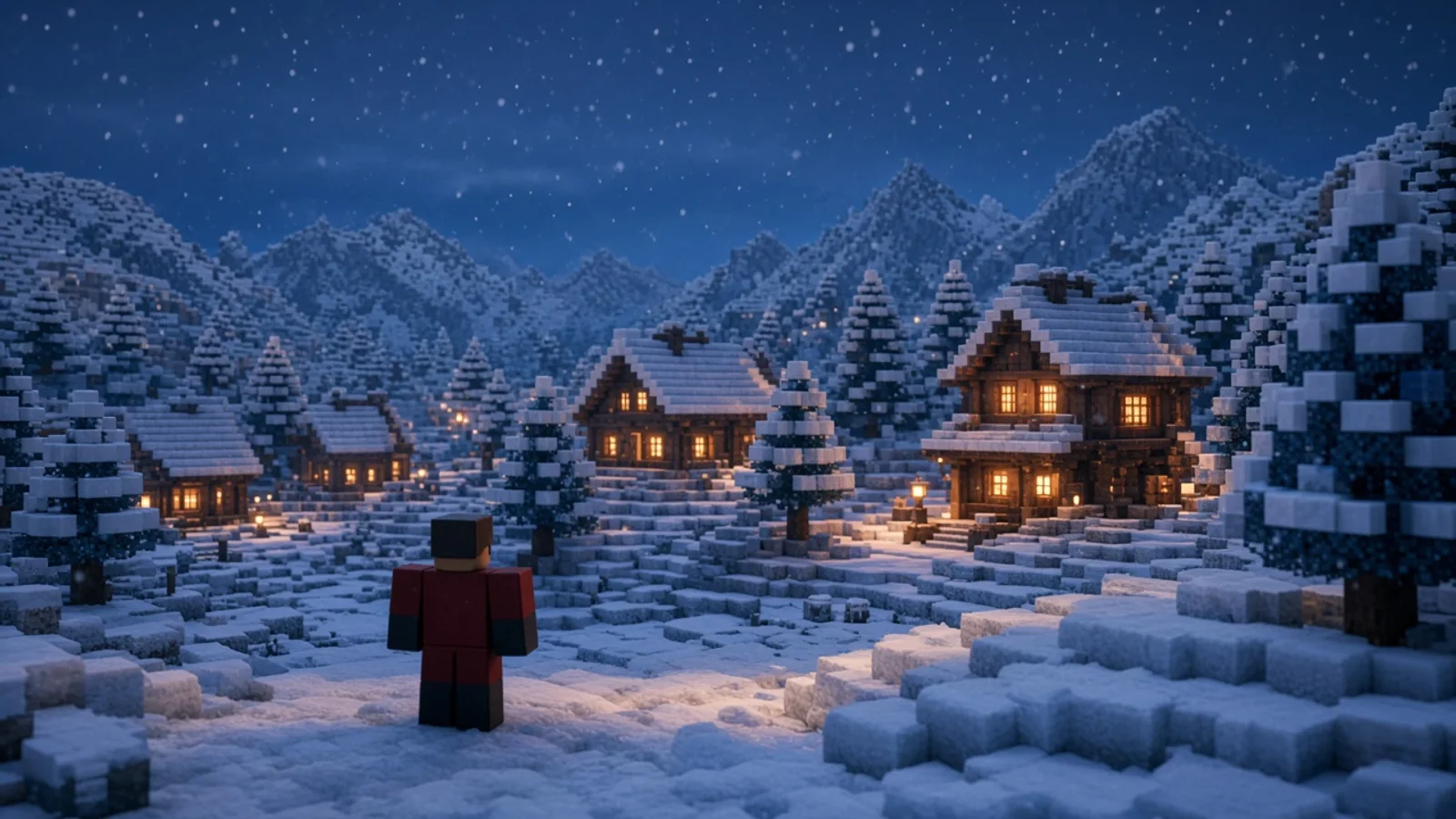
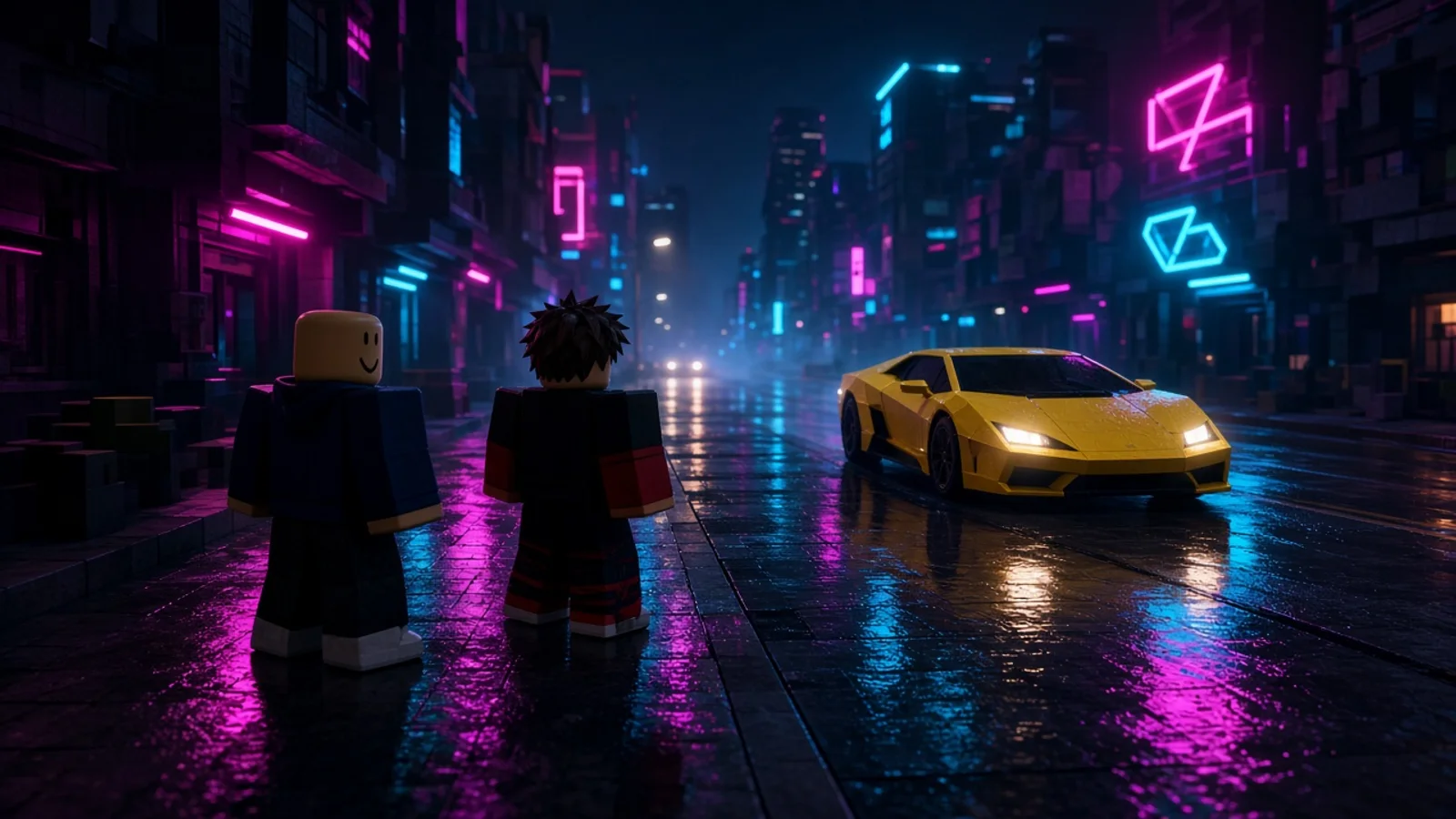
03Night
Deep blue sky, stars and warm light in every window.
 04
04Day
Clean daylight with real contrast and punchy color.
Quality
You decide how heavy it runs.
The Quality slider stacks effects one by one. Light runs on almost anything. Ultra is for screenshots and strong graphics cards.
Light
Laptops and older GPUs
- Bloom
Balanced
Most home PCs
- Bloom
- + Atmosphere
High
A recent graphics card
- Bloom
- Atmosphere
- + Depth
Ultra
Gaming PCs and screenshots
- Bloom
- Atmosphere
- Depth
- + Focus
Install
Up and running in a minute.
shaders runs in Chrome, Edge, Brave, Opera. No store page and no account.
shaders never asks for your Roblox password.
- 1
Download and unpack
Get the ZIP from this page and unpack everything into a folder on your computer.
- 2
Open the extensions page
Paste one of these into the address bar, then turn on Developer mode in the top corner.
chrome://extensionsCopiedPress Ctrl+Cedge://extensionsCopiedPress Ctrl+C - 3
Load the folder
Click Load unpacked, choose the folder, pin the icon, then open Roblox and pick a mode.
FAQ
Questions before you install
Is shaders free?
Yes. shaders is free to install and free to use.
How do I install it?
Use Download on this page. Unpack the ZIP, open chrome://extensions (or edge://extensions), turn on Developer mode, then click Load unpacked and choose that folder.
Will it lower my FPS?
Shaders run on your GPU. If a heavy map starts to drop frames, move Quality down to Balanced or Light. Switching modes and brightness costs nothing extra.
Does it change the game for other players?
No. Everything happens on your screen only. The game, the server and other players see Roblox exactly as before.
Which browsers does it support?
shaders works in Chrome, Edge, Brave, Opera.
Can I get banned?
shaders is an unofficial tool and is not made by Roblox. It never asks for your Roblox password. Read the Roblox Terms of Use yourself before installing any third party tool.
Is shaders made by Roblox?
No. shaders is an independent project and is not affiliated with, endorsed by or connected to Roblox Corporation.
Free · Chrome, Edge, Brave, Opera
Stop playing Roblox in flat mode.
Install shaders, open any map and switch it on. It takes about a minute.
Download free